
Marketplace
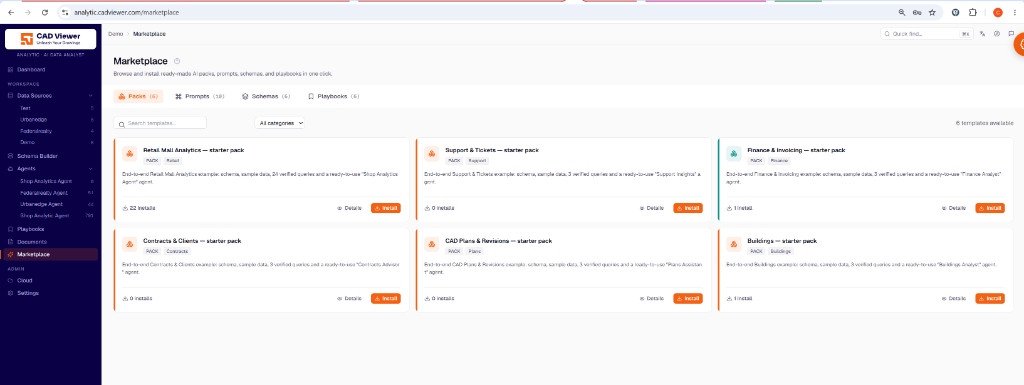
The Marketplace provides curated templates—including AI packs, prompts, schemas, and playbooks—that tenants can install in one click.
Installing Starter Packs
Starter packs (like “Retail Mall Analytics”, “Support & Tickets”, or “CAD Plans & Revisions”) bundle end-to-end functionality into your tenant workspace.
When installing a pack, you will configure:
- Target Agent: Choose whether to install the template’s tools and playbooks into a specific existing agent or set them as defaults for new agents.
- Target Data Source: Select the database where the bundled schema tables and sample data should be imported.
- Content Language: The language in which the playbooks, prompts, verified queries, and documents will be installed (the language your end-users interact in, independent of the console’s language).
Demo Contents
Certain packs can automatically configure your frontend app by creating a Cloud configuration on your workspace and optionally installing demo CAD plans directly onto your server, allowing you to try the full visual query flow immediately.