
Server Logs & Diagnostics
Server Logs & Diagnostics
The Logs pane provides a live, terminal-style readout of the Node.js Conversion Server’s standard output and error streams.
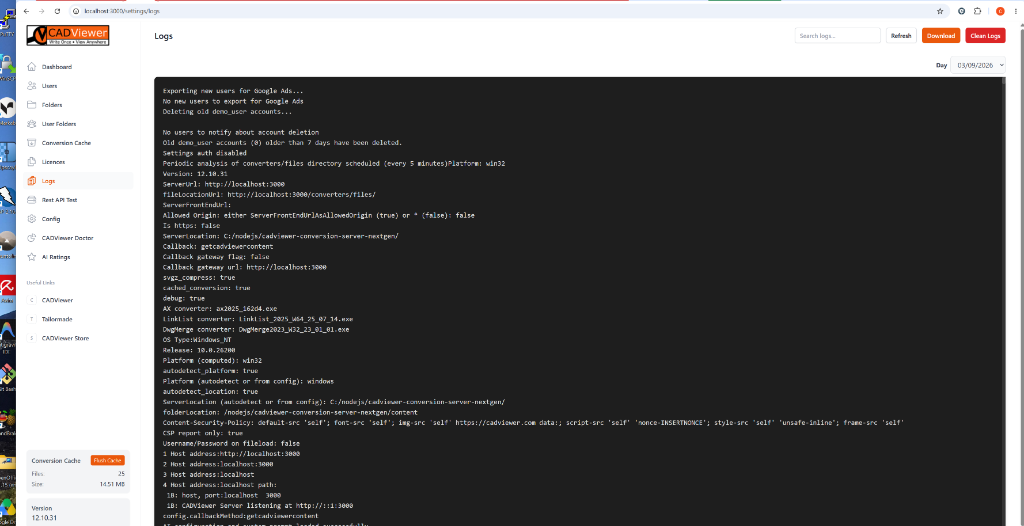
This interface grants administrators full control over tracking background processes, conversion pipelines, and server health without needing SSH or Remote Desktop access to the host machine.
Key features of the Logs pane include:
- Live Readout: Watch as the server boots up, initializes configuration variables, runs background garbage collection (like purging old cache files), and handles incoming conversion API requests.
- Search & Filtering: Instantly search for specific error codes or file names using the search bar, or use the Date picker in the top right to load historical logs from a specific day.
- Log Management: Use the Download button to export the current log file for offline analysis or sharing with support, and use the Clean Logs button to flush the log file and free up disk space.